
Point it at your library.
Recallr reads the screenshots already on your device. Nothing is uploaded and nothing is saved until you say so.
Point Recallr at your camera roll. It reads every screenshot on your device and files them onto shelves — recipes, cards, receipts, the lot.
iPhone & iPad · iOS 26+ · No account · No tracking
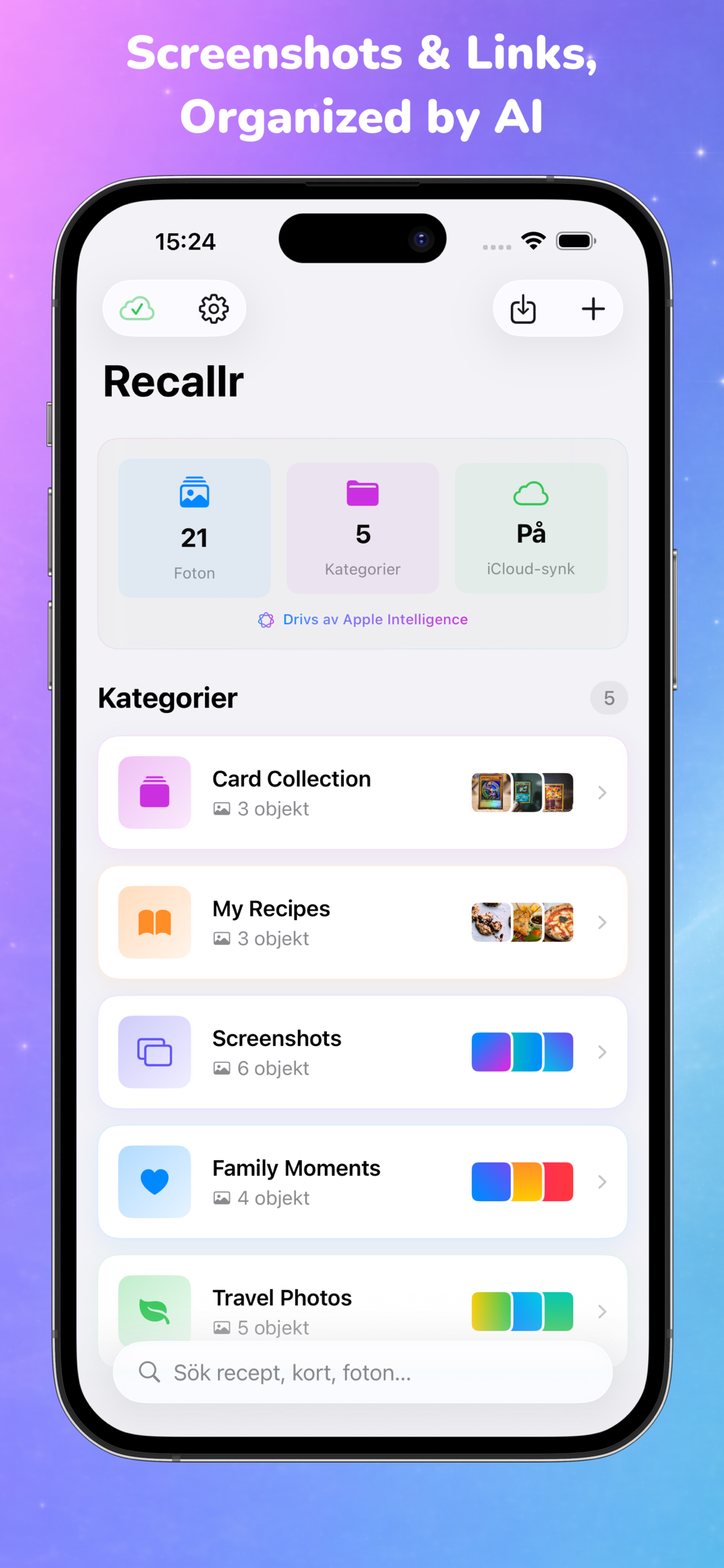
Recallr reads the screenshots already on your device. Nothing is uploaded and nothing is saved until you say so.
On-device models read each image, extract the text, and propose the shelf it belongs on. You review before anything sticks.
Share new links and screenshots from any app, then search by whatever you remember — a name, an ingredient, the look of the photo.
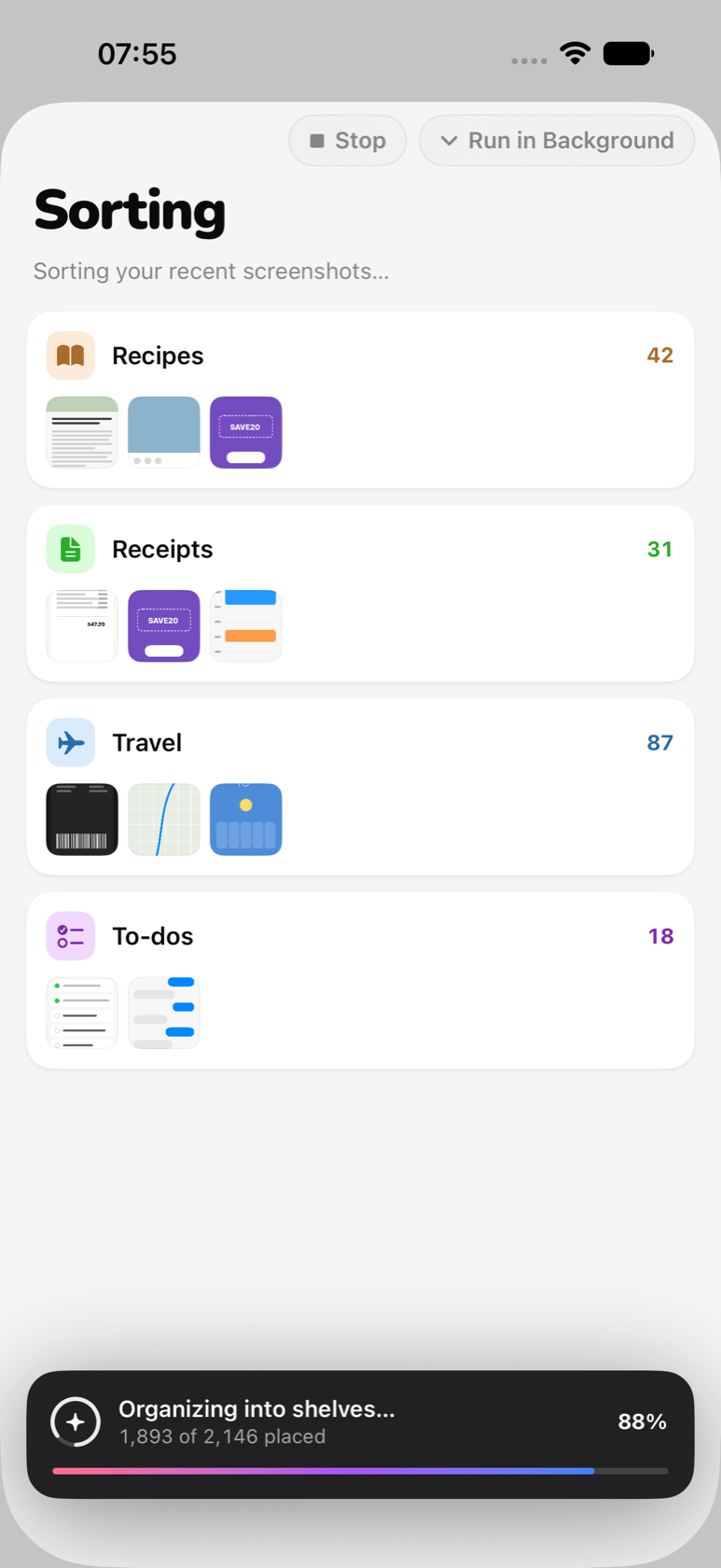
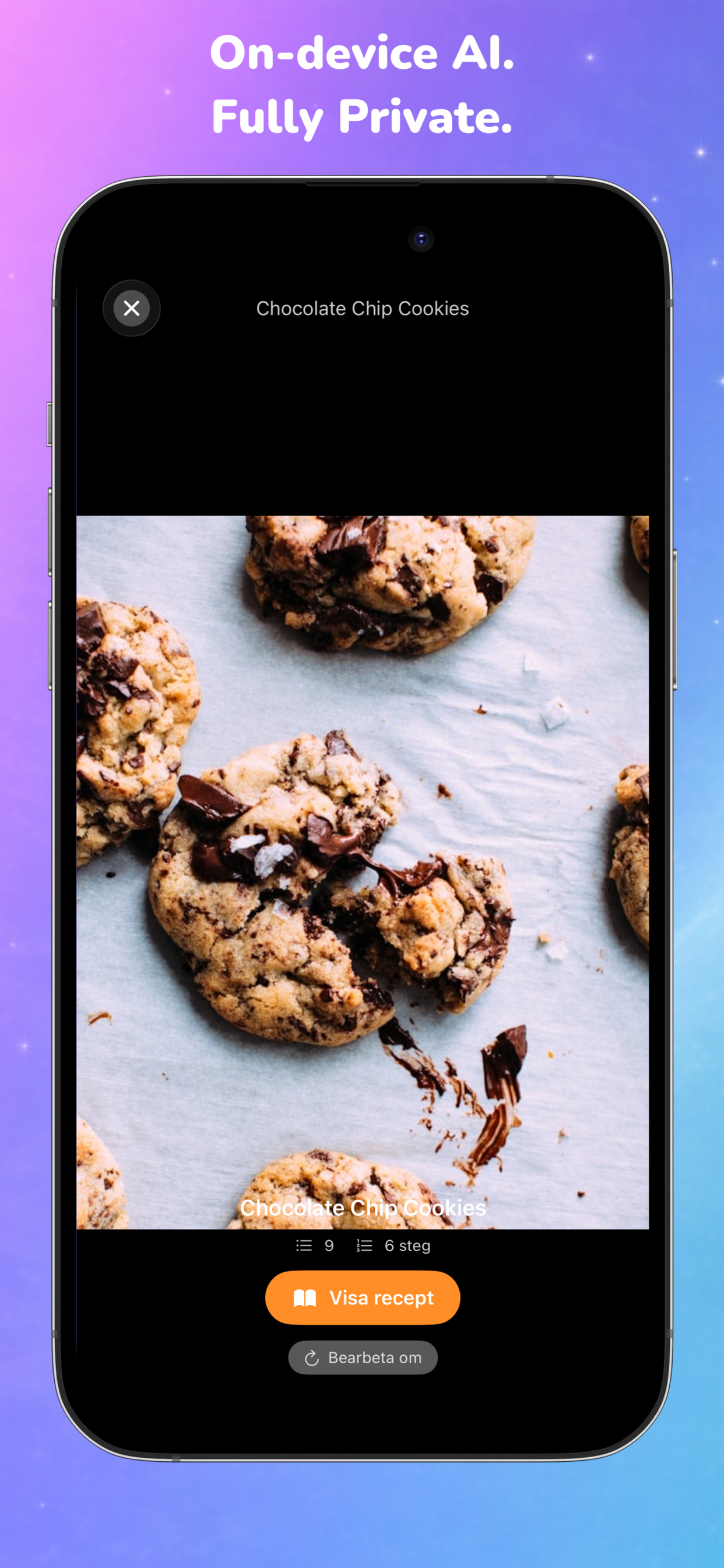
Share a link. Get the full recipe, ingredients and steps, archived offline.
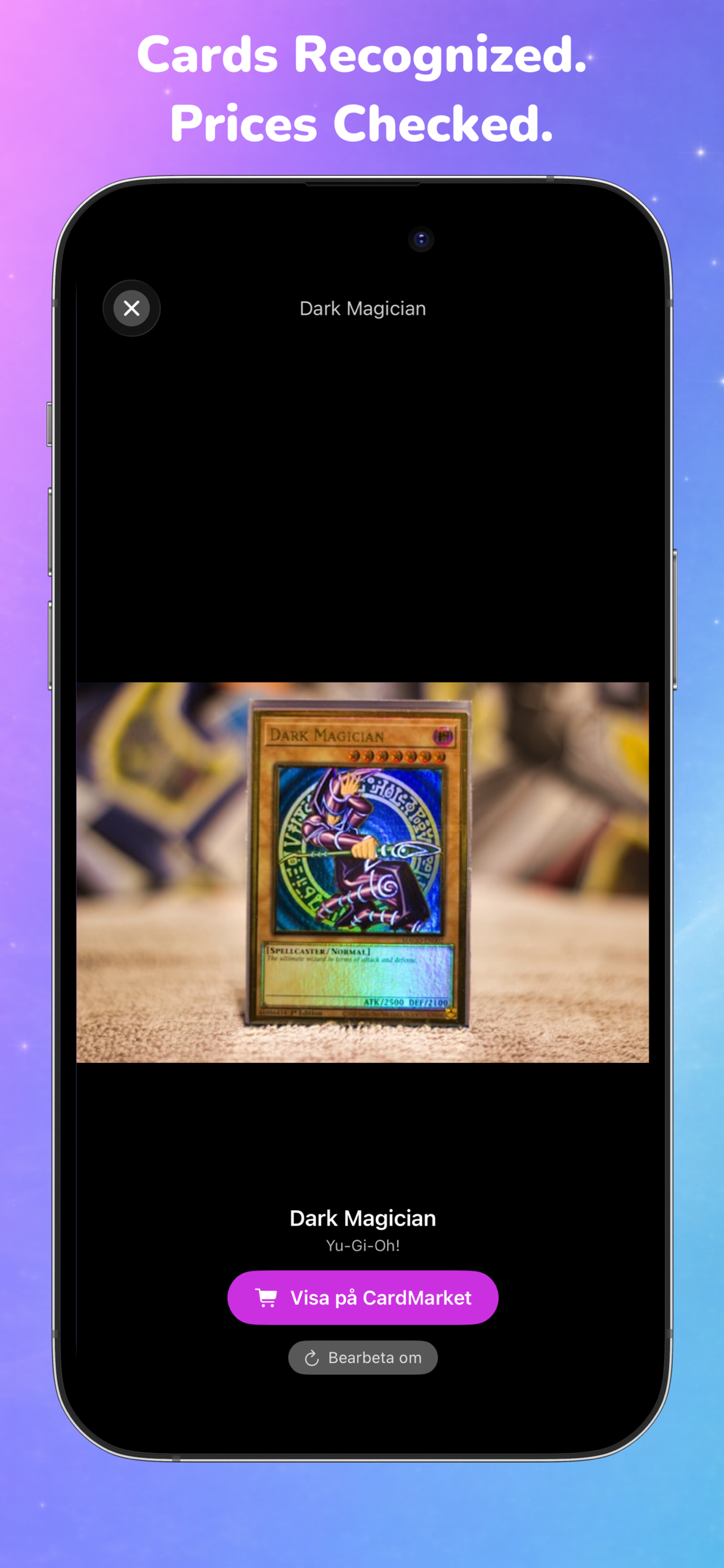
Snap a card. Recallr names it, sets it, and links the price on CardMarket.
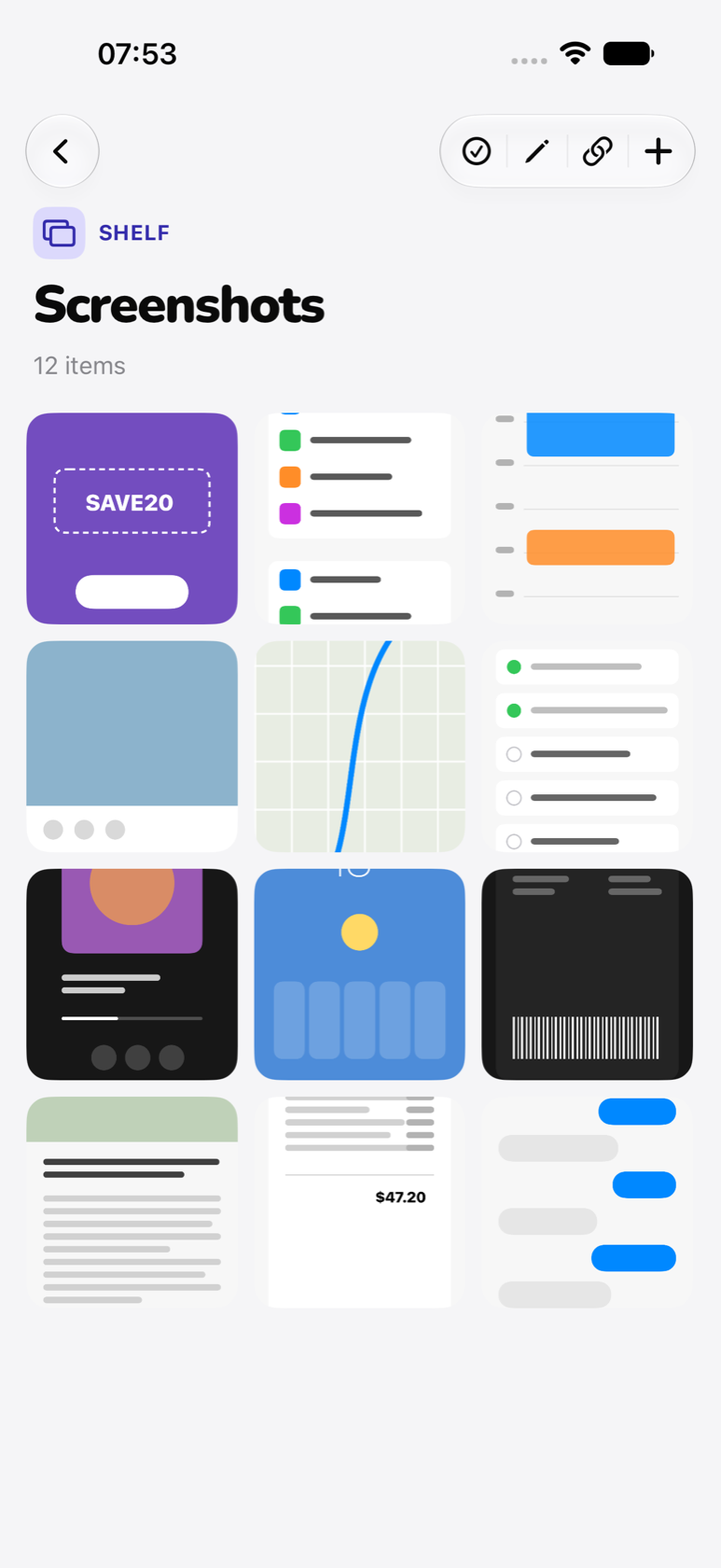
Inspiration, receipts, references. Sorted onto shelves, instantly searchable.
Custom shelves. The AI learns where new items belong.
Recallr runs on Apple's Vision framework and FoundationModels. Photos are read on your device. Text is extracted on your device. Nothing leaves it for analysis.
Sync is optional and uses your private iCloud database. No accounts. No analytics. No third-party SDKs.
Safari, Reddit, Instagram, Messages — wherever you find it. Recallr lives in the iOS share sheet, sorts the link in the background, and notifies you when it's ready.
Your first sort is uncapped — every screenshot it files is yours to keep. After that you get 20 more items and three more hands-free sorting sessions, plus search, iCloud sync and the share sheet.
Unlimited shelves and items, and hands-free sorting for a library of any size. $0.49 / month or $6.99 / year, cancel any time. Prices shown in your local currency in the App Store.
Free to start. No account. iCloud sync included.