Features

Everything Recallr does.

Built around one idea: the things you save should organize themselves.

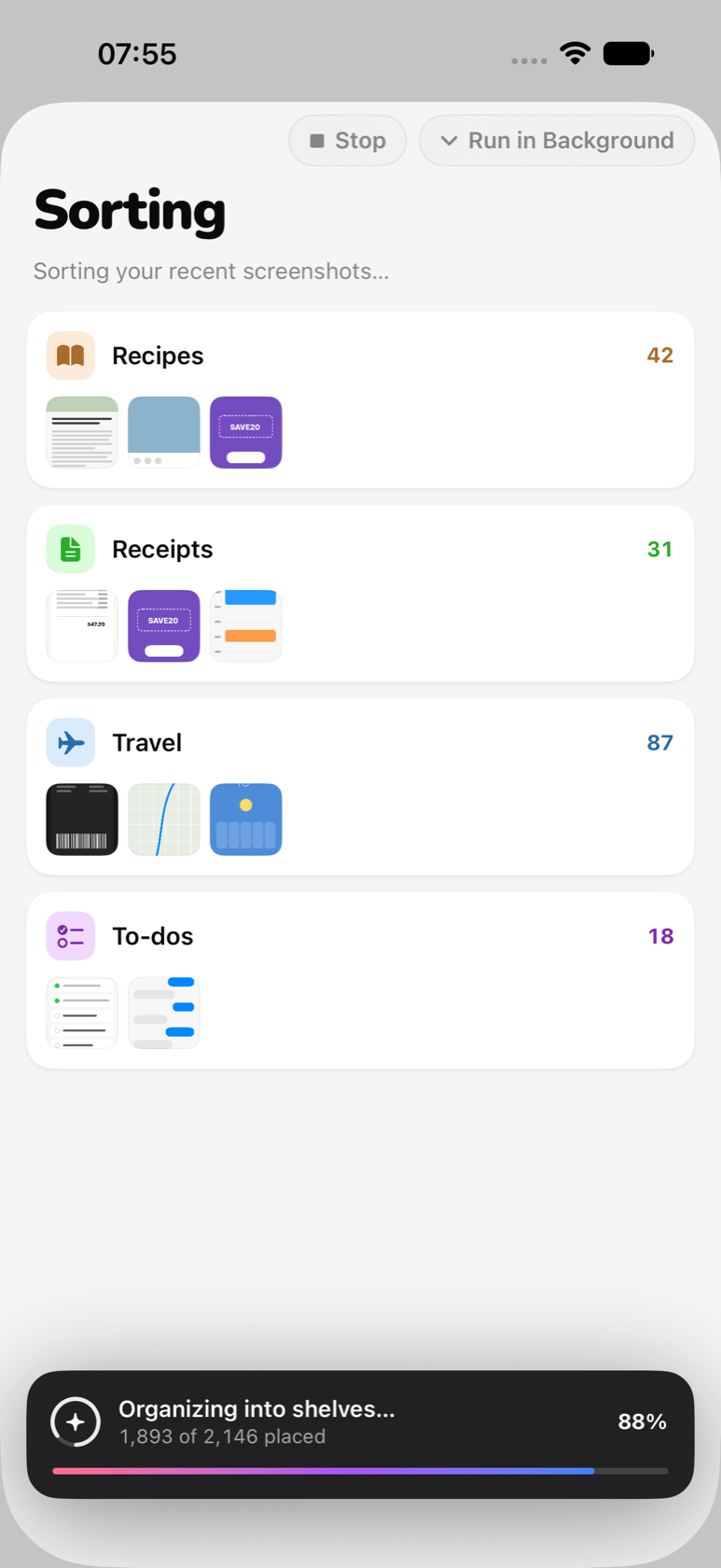
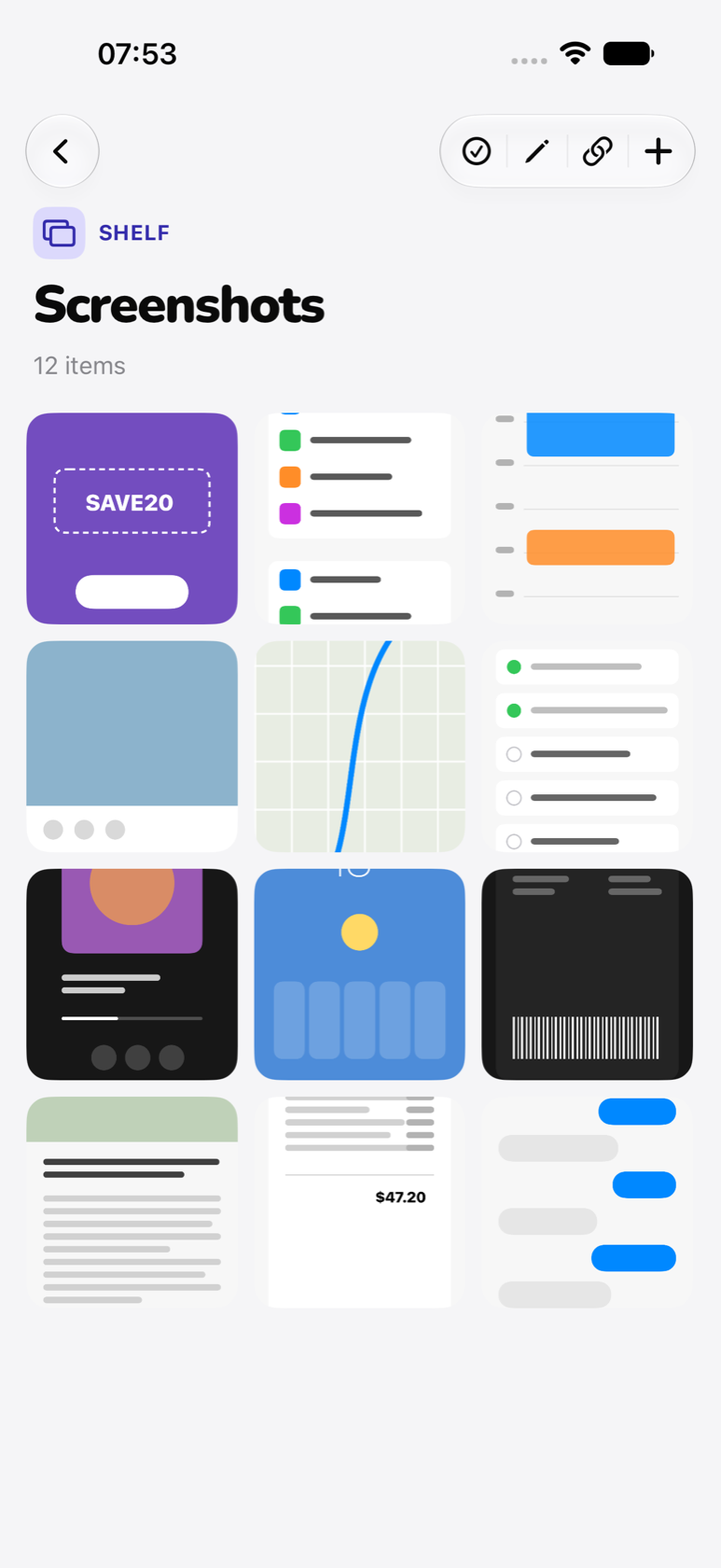
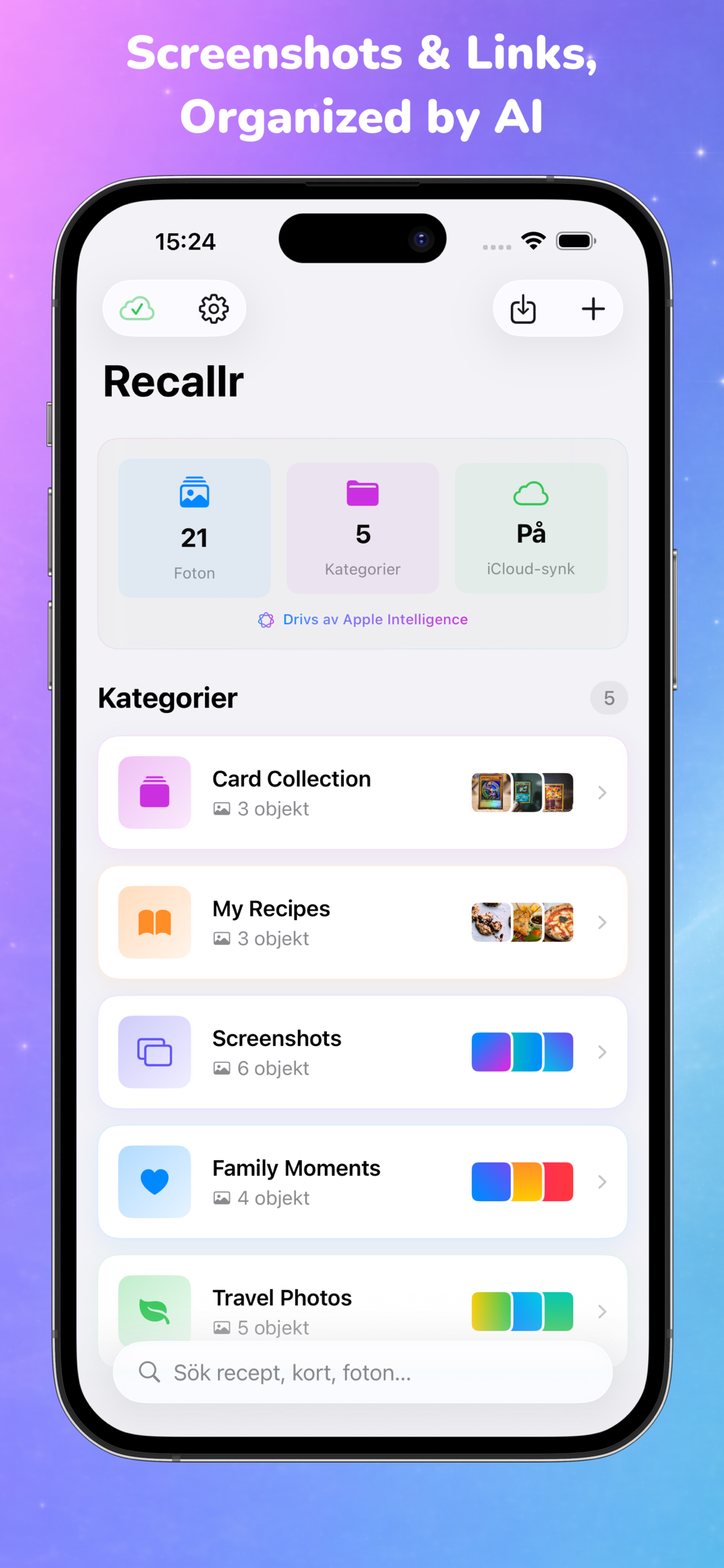
Smart category grid in Recallr Catalog grouping the user's screenshots by topic with zero manual effort.
01 — Categories

Smart Categories. Zero Effort.

Add a few items by hand. After that, Recallr recognizes the pattern and assigns new screenshots to the right category automatically. Create as many categories as you want.

  • Auto-assignment after a category has examples
  • Custom names, custom icons
  • Move items between categories at any time
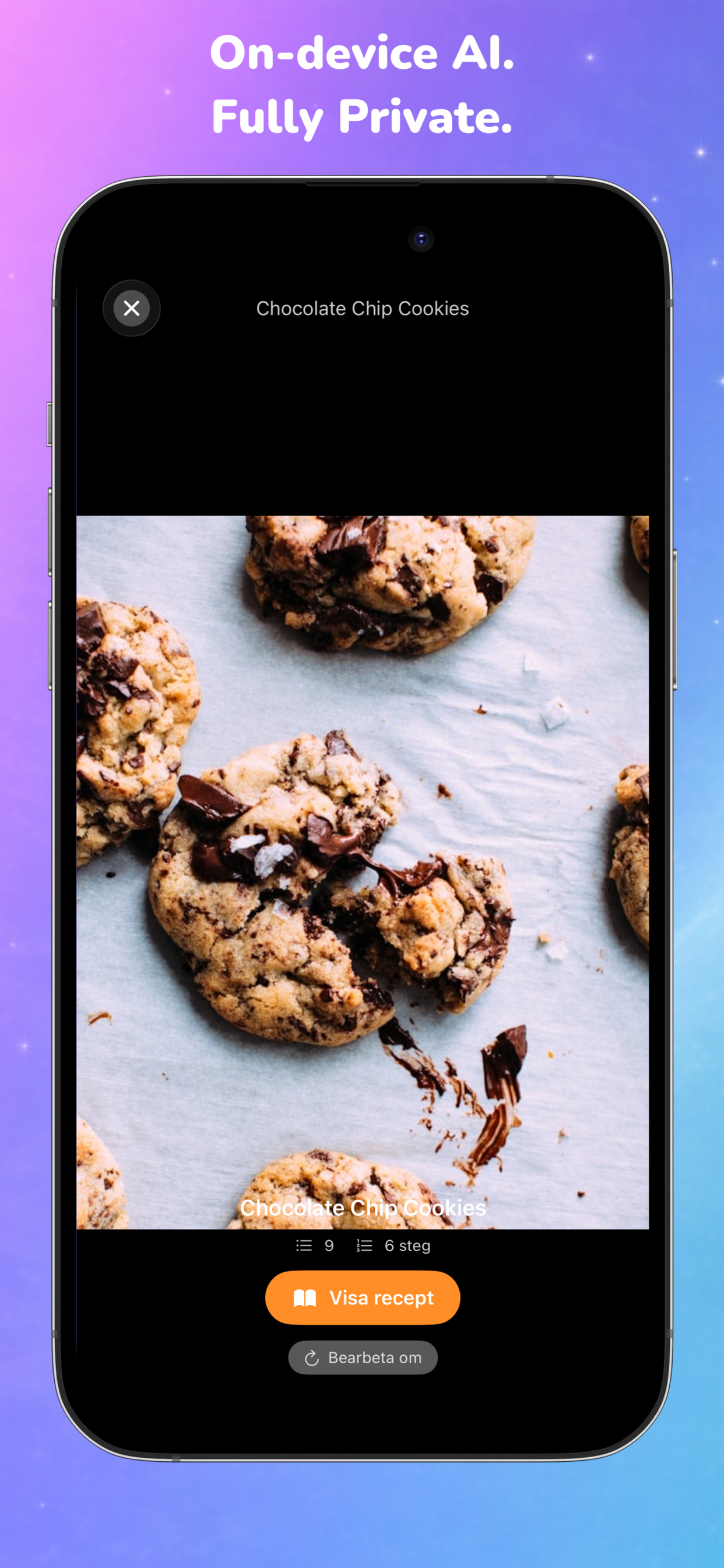
Recipe photo detail in Recallr Catalog, processed entirely on-device for full privacy.
02 — Recipes

Links Become Real Recipes.

Share any recipe URL. Recallr fetches the page, extracts the ingredients and steps, and stores a clean version you can read offline. The original article is archived too.

  • Ingredients and steps formatted for cooking
  • Offline archive of the source page
  • Share or copy as plain text
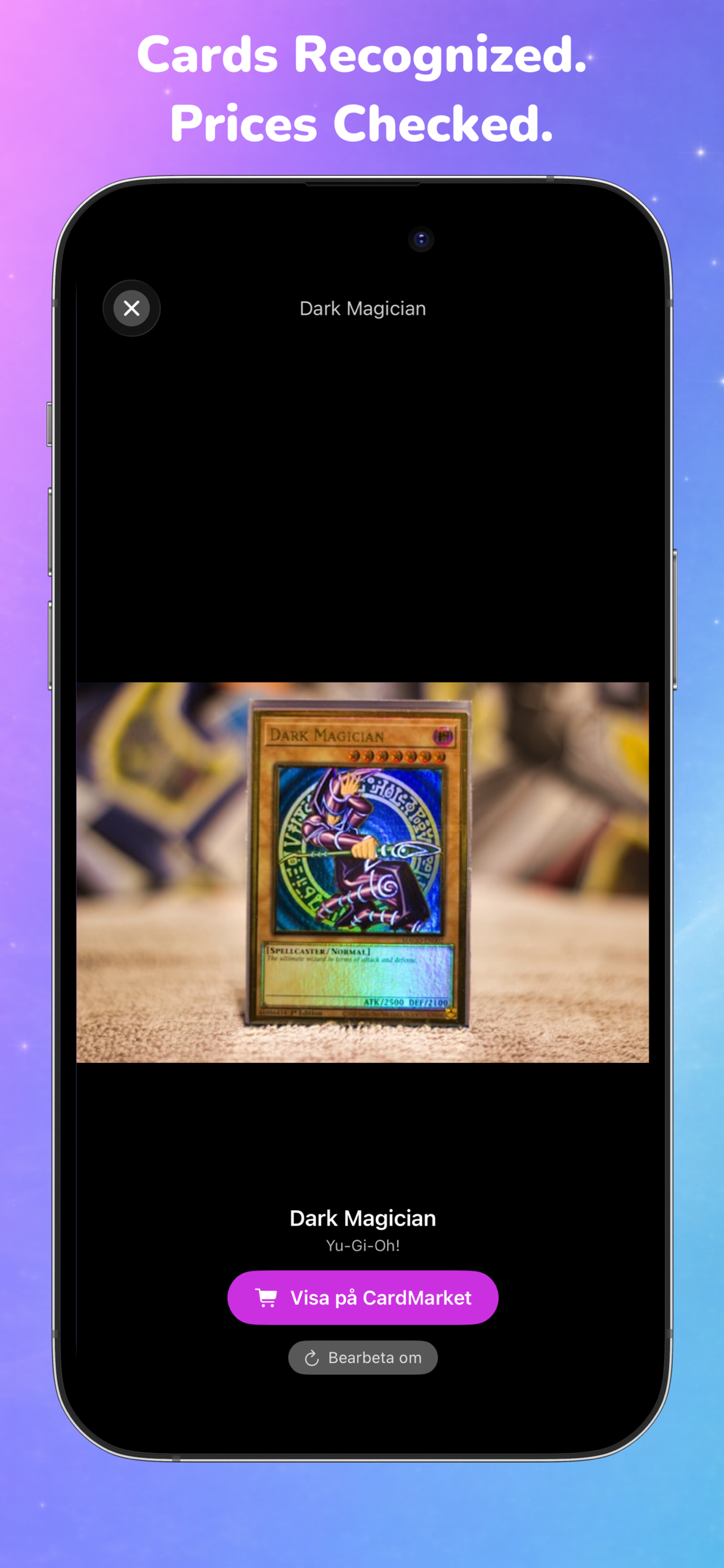
Trading card detail view in Recallr Catalog after on-device recognition, showing card metadata and price information.
03 — Trading cards

Cards Recognized. Prices Checked.

Photograph a trading card. On-device AI identifies the card and set, then links straight to the matching CardMarket listing for current prices.

  • On-device recognition via Apple FoundationModels
  • One-tap link to CardMarket
  • Edit recognition results when needed
Recallr Catalog auto-assigning a freshly shared link to the correct category using on-device AI.
04 — Share sheet

Share a Link. AI Sorts It.

The Recallr share extension accepts URLs and images from any iOS app. Items land in an inbox sheet where you can confirm or override the suggested category before saving.

  • Works from Safari, Reddit, Instagram, Messages, anywhere
  • AI suggests a category — you approve or change it
  • Background processing, no blocking dialogs
05 — Search

Find it the way you remember it.

Search recipes by ingredient, screenshots by extracted text, cards by name. Recallr indexes every item locally so search is instant and works offline.

  • • Full-text search of OCR'd content
  • • Filter by category
  • • No network round-trips
06 — Sync

One library. Every device.

Optional iCloud sync uses your private CloudKit database. Add an item on your iPhone, see it on your iPad. Apple manages the encryption — Recallr never touches a server.

  • • Private CloudKit database
  • • Automatic background sync
  • • No account, no sign-up
07 — Privacy

On-device AI. Fully Private.

No analytics SDKs. No advertising. No third-party services. The only network requests Recallr makes are to recipe URLs you explicitly share.

Read the privacy policy →

Try it on your own screenshots.